Ergonomic home office – a complete guide to working comfortably and healthily
Remote work has become a permanent part of many people's daily lives. The problem is that home offices often arise haphazardly – at the kitchen table, on an uncomfortable chair, or at a desk that isn't adjusted to your height. The result is back and neck pain, fatigue, and decreased concentration.
The solution is an ergonomic home office, which truly improves work comfort and protects your health.
In this guide, we'll show you step-by-step how to set up an ergonomic workstation at home – regardless of the size of your space.
What is an ergonomic home office?
An ergonomic home office is a workstation designed to adapt to the user, not the other way around. It includes a properly selected desk, chair, monitor positioning, and lighting, which together reduce spine strain, improve work comfort, and prevent back pain.
Ergonomics isn't about accessories, but about consciously adapting furniture and settings to the body and work style.
Why is ergonomics in remote work crucial?
Office work involves up to 7–9 hours a day in the same position. A poorly designed workstation can lead to:
- back and neck pain,
- shoulder and arm tension,,
- wrist problems,
- faster fatigue and decreased productivity.
A well-designed ergonomic office:
- reduces the risk of pain,,
- allows you to work longer without fatigue,
- improves concentration,
- increases the comfort of daily remote work.
How to arrange an ergonomic workstation at home?
To set up an ergonomic workstation at home:
- Choose a desk that's appropriate for your height (ideally adjustable).
- Get a chair with lumbar support.
- Position your monitor at eye level.
- Ensure adequate lighting.
- Regularly change your work position.
We'll expand on each of these points below.
Desk – the foundation of ergonomics in the home office
A desk is the foundation of an ergonomic workstation. Standard fixed-height desks are rarely adjusted to the user's height, leading to shoulder and wrist strain.
The best solution is an adjustable desk that:
- allows for perfect desktop height adjustment,
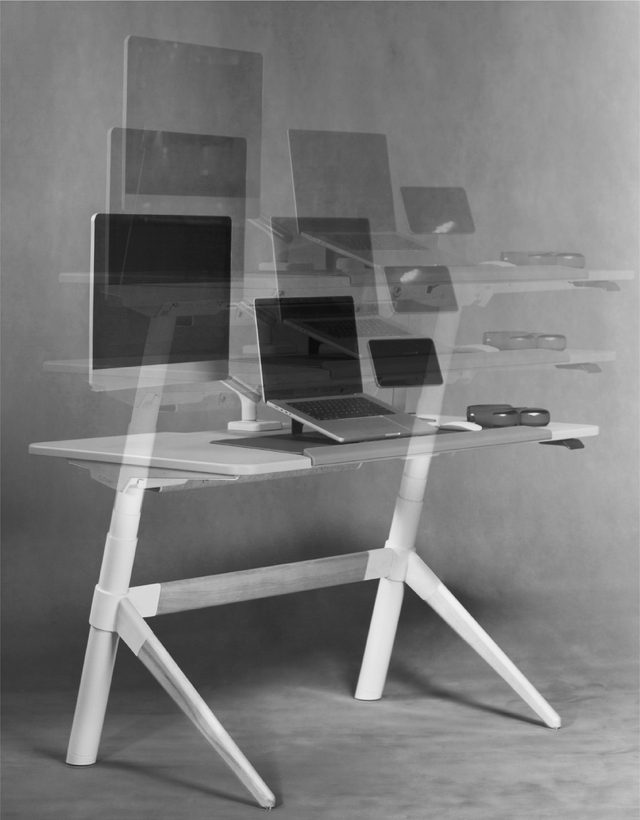
- allows for sitting and standing work,
- reduces spine strain,
- encourages posture changes throughout the day.
The correct desk height is one at which:
- forearms rest comfortably on the desk,
- shoulders are relaxed,
- wrists are not bent.
A chair for working at home – what to pay attention to when choosing one
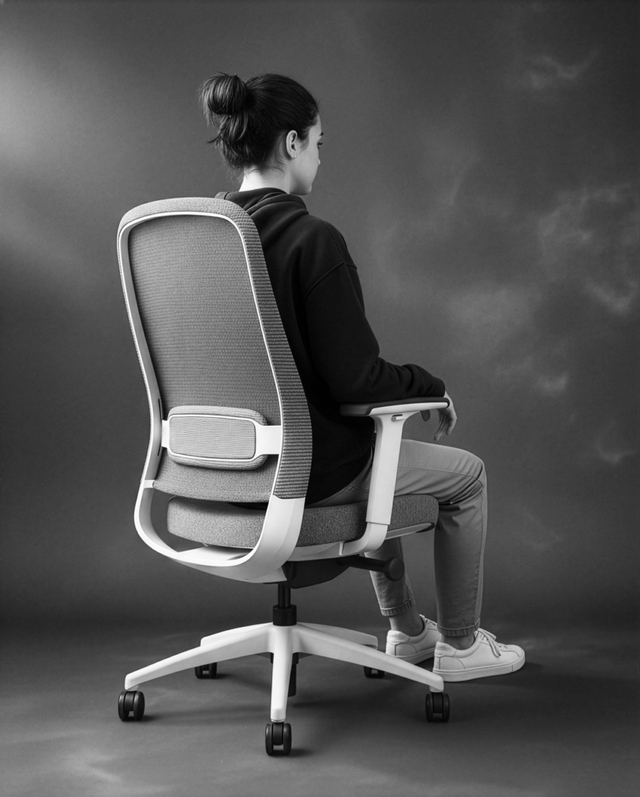
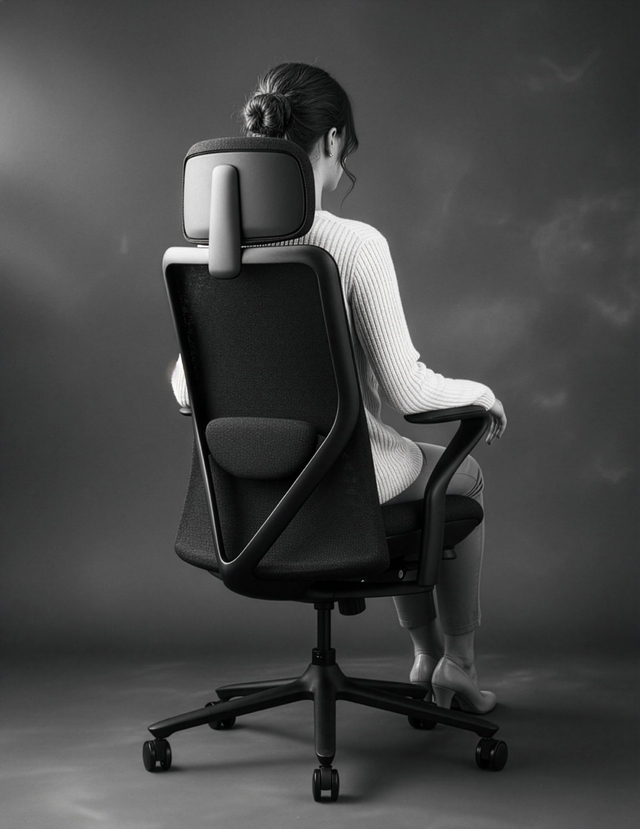
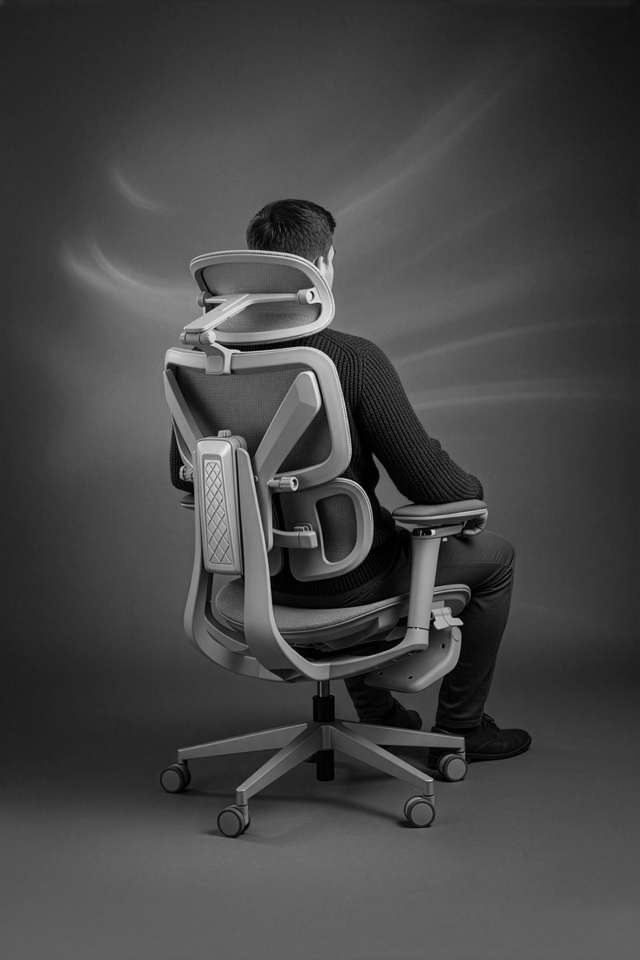
The chair has a direct impact on the position of the spine. A good chair for working from home should have:
- adjustable seat height,
- lumbar support,
- adjustable armrests,
- stable base.
Choosing the right chair for working from home is crucial for spine health, comfort, and work efficiency. Unlike occasional computer sitting, remote work often means spending several or even a dozen hours a day in the same position, so a regular home chair doesn't cut it.
Adjustable seat height is key, allowing you to position the chair so your feet are flat on the floor and your knees are bent at approximately a 90-degree angle. Lumbar support is equally important, supporting the natural curve of the lower spine and preventing slouching. Lack of adequate support is one of the most common causes of back pain among homeworkers.
A good ergonomic computer chair should also have adjustable armrests, which relieve pressure on the shoulders and arms and reduce tension in the upper back. Their height and width should allow you to comfortably rest your forearms without having to raise your arms. The backrest is also worth considering. It should be properly contoured and allow for a slight recline, which promotes dynamic sitting.
An important, though often overlooked, element is the quality of the seat. It should be wide enough, made of a material that provides good ventilation, and is resistant to deformation. A seat that's too soft or too hard can cause discomfort after just a few hours of work.
When choosing a home office chair, it's worth considering not only price and appearance, but above all, the range of adjustments and how well it fits your body. A well-chosen ergonomic chair is an investment that significantly reduces the risk of back pain, improves posture, and allows you to work comfortably all day long.
Monitor, keyboard and mouse – correct hardware setup
Ergonomics isn't just about furniture, but also its positioning:
- the top of the monitor should be at eye level,
- the monitor should be 50–70 cm away from your face,
- the keyboard and mouse should be close to your body,
- the elbows should be bent at approximately 90 degrees.
This positioning reduces neck and shoulder strain.
Home office lighting – natural and artificial light
Poor lighting causes eye strain and headaches. It's best to:
- place your desk sideways to a window,
- use a desk lamp with a neutral light color,
- avoid reflections on the monitor screen.
Adjustable desk – is it a necessity in a home office?
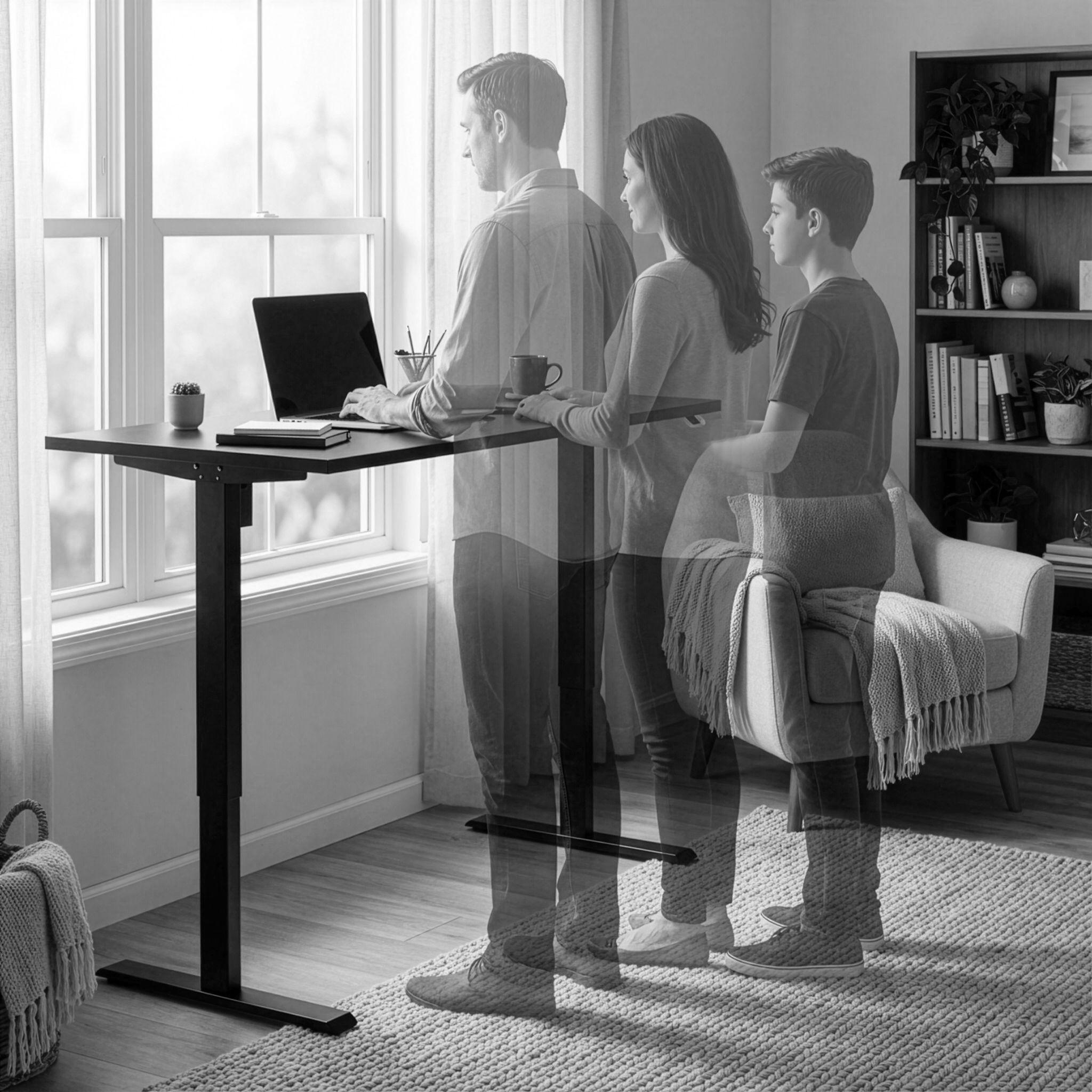
An adjustable desk is a good choice if you work from home every day or for several hours a day. It allows you to change between sitting and standing positions, reduces back pain, improves circulation, and increases work comfort. It's one of the most effective ergonomic solutions for a home office.
Sitting work vs standing work – which is healthier?
Prolonged sitting is one of the main problems of office work – both in the office and at home. Studies show that spending 6–8 hours a day sitting increases the risk of back pain, neck stiffness, circulation problems, and even chronic joint pain. On the other hand, working all day standing is also not ideal – it can lead to leg fatigue, foot pain, and lower back tension if we don't use appropriate anti-fatigue mats and footwear.
The best solution is to alternate sitting and standing, which is possible with an adjustable desk. Ideally, someone working from home should change position every 30–60 minutes, for example, 45 minutes sitting and 15 minutes standing. This:
- reduces stress on the spine and joints,
- improves blood circulation,
- increases concentration and energy,
- reduces muscle fatigue and shoulder tension..
Standing also promotes deep abdominal and back muscle activity, which improves posture and, in the long term, helps prevent ailments associated with a sedentary lifestyle. Additionally, changing your posture promotes greater productivity and creativity, as short periods of standing allow you to "activate your body and mind" throughout the day.
In practice, this means that a healthy home workstation isn't limited to just sitting or standing, but to a conscious combination of both positions. A well-chosen adjustable desk and ergonomic chair allow you to create a workstation that adapts to the user's needs, ensuring comfort and safety throughout the working day.
Who is an adjustable desk best for?
An adjustable desk is a good solution for:
- people working remotely,
- freelancers and IT specialists,
- people with back pain,
- users of different heights,
- people sharing a workstation.
The most common mistakes in the home office
The most common mistakes in a home office are:
- desk too low or too high,
- lack of an adjustable chair,
- monitor positioned below eye level,
- working without breaks or changing positions.
Each of these mistakes can negatively impact your health and productivity.
Ergonomic office in a small apartment – how to arrange it?
Even in a small space you can create an ergonomic workstation.
Which desk should you choose for a small space?
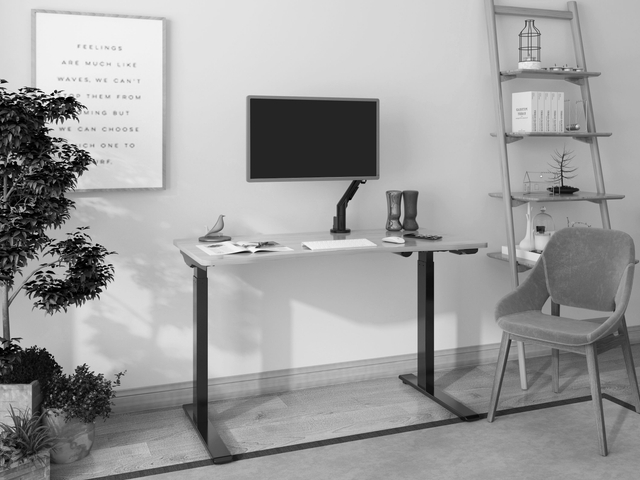
The best solution is a compact adjustable desk that does not take up much space while offering full functionality.
How to maintain ergonomics in a limited space
- choose light-colored furniture,
- keep your countertops tidy,
- use vertical space,
- limit the number of accessories.
How to maintain ergonomics at work every day?
Maintaining ergonomics in a home office requires combining the right furniture with conscious habits. Even the best ergonomic chair and adjustable desk can't replace regular breaks and posture changes. It's recommended to get up from your desk every 45-60 minutes, stretch your legs, and do a few simple stretches for your shoulders, back, and neck. With an adjustable desk, alternate between sitting and standing. This reduces muscle tension, improves circulation, and protects your spine.
Proper posture while working is equally important: feet flat on the floor or on a footrest, shoulders relaxed on the armrests, back straight, and the monitor positioned at eye level, approximately 50-70 cm away. Additionally, short stretches, such as shoulder circles, torso twists, or shoulder blade lifts, help reduce tension and maintain comfort throughout the day.